On this page
- How we compare
- 1. Best overall — TP-Link Tapo C120
- 2. Best no-subscription — Eufy Security Indoor Cam C220
- 3. Best budget — Wyze Cam v4
- 4. Best for Google homes — Google Nest Cam (indoor, wired)
- 5. Best for Apple Home — Aqara Camera Hub G3
- Subscription math before you buy
- Privacy features worth insisting on
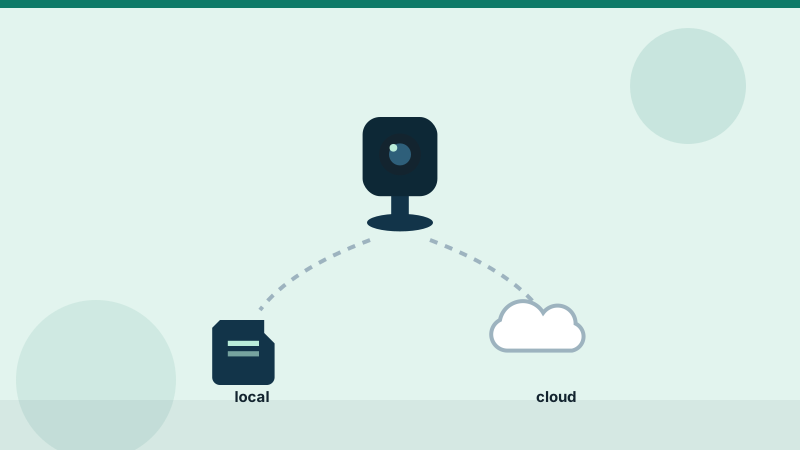
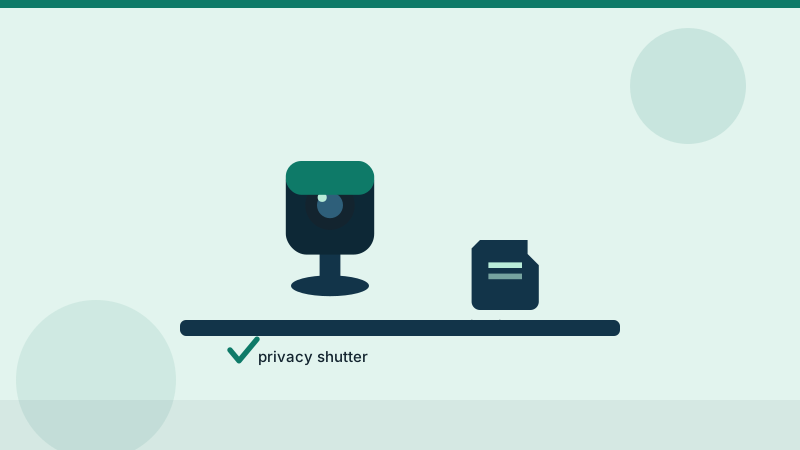
TL;DR — For indoor use, prioritise local storage and a physical privacy shutter over resolution. A 4K camera that uploads everything to a cloud you do not control is the wrong trade.
How we compare
Picks are compiled from manufacturer specifications, storage and subscription documentation, and patterns in verified owner reviews — not from our own lab testing.
| Criterion | Weight | Why |
|---|---|---|
| Detection accuracy | 25% | Person/pet classification, false alert rate in owner reports |
| Privacy design | 20% | Local storage option, physical shutter, data retention |
| Image quality | 15% | Day and low-light, useful field of view |
| Subscription value | 15% | What still works without paying monthly |
| Setup and app | 15% | Time to first useful alert |
| Price | 10% | Hardware plus 2-year total cost |
1. Best overall — TP-Link Tapo C120
The rare camera that gets everything right at a low price: crisp 2K video, free person/pet/baby-cry detection, and a microSD slot so the subscription is genuinely optional.
- Resolution: 2K QHD (4MP)
- Storage: local microSD plus optional Tapo Care cloud
- Detection: person / pet / baby-cry included free
- Typical price: ≈ $35
2. Best no-subscription — Eufy Security Indoor Cam C220
Everything works without an account: recordings land on the microSD card, detection runs on the device itself, and nothing leaves your network unless you enable it.
- Resolution: 2K, pan & tilt
- Storage: microSD only (buy a high-endurance card)
- Detection: on-device person/pet AI
- Typical price: ≈ $40
3. Best budget — Wyze Cam v4
Remarkable hardware per dollar: 2.5K video, colour night vision and a magnetic base. Cloud detection extras want a subscription, but microSD recording is free.
- Resolution: 2.5K QHD
- Storage: local microSD plus optional Cam Plus
- Typical price: ≈ $36
4. Best for Google homes — Google Nest Cam (indoor, wired)
The cleanest integration with Google Home and familiar face alerts with a Nest Aware plan. No local storage — skip it if subscriptions are a dealbreaker.
- Resolution: 1080p HDR
- Storage: cloud only (3 hours of event history free)
- Typical price: ≈ $100
5. Best for Apple Home — Aqara Camera Hub G3
Full HomeKit Secure Video support plus a built-in Zigbee hub for sensors — two devices in one if you are building around Apple Home.
- Resolution: 2K, pan & tilt with AI tracking
- Storage: microSD + HomeKit Secure Video (iCloud plan)
- Typical price: ≈ $110
Subscription math before you buy
| Plan type | Typical cost | What you lose without it |
|---|---|---|
| Cloud-only brands | $3–10 / month | recordings after 24h, or all recordings |
| Hybrid (local + optional cloud) | $0–4 / month | cloud backup only |
| Local-first | $0 | nothing essential |
Over three years the difference between these models is often larger than the camera's price.
Privacy features worth insisting on
- Physical shutter — software "disable" can fail; a shutter cannot
- Local storage with sensible export
- Schedules and privacy zones so the camera is off when you are home
- Clear retention policy — how long the vendor keeps cloud footage matters
- Two-factor authentication on the account, non-negotiable
Editorial note. This guide is compiled from official product documentation and practical buying checklists, not hands-on testing. Verify specifications and current pricing with the manufacturer before you buy. See our affiliate disclosure for how we fund this work.