On this page
TL;DR — Protocols are plumbing, not features. Buy devices that do what you want; check they speak a protocol your hub supports; stop agonising over the radio.
"Will this work with my setup?" is the most common question in smart home shopping, and most answers online drown you in radio theory. Here is the practical version.
What each protocol actually is
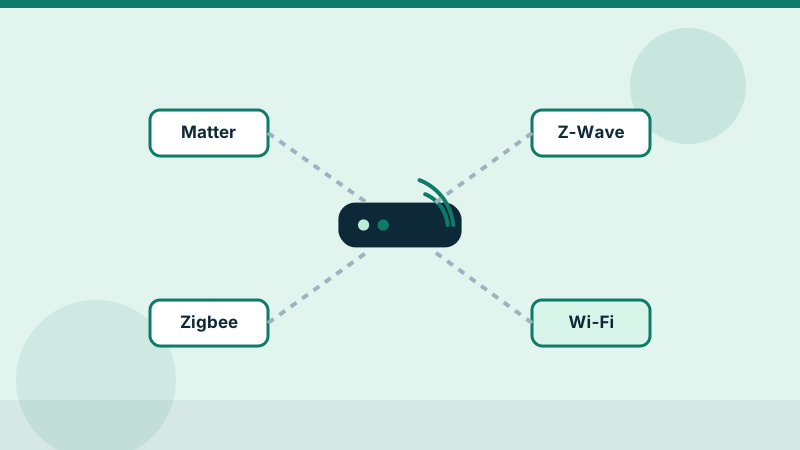
| Matter | Zigbee | Z-Wave | |
|---|---|---|---|
| Radio | Wi-Fi/Thread/Ethernet | 2.4GHz mesh | Sub-GHz mesh |
| Needs a hub? | A controller (often your speaker) | Yes, a coordinator | Yes, a hub/stick |
| Ecosystem lock-in | Designed to reduce it | Vendor-dependent | Vendor-dependent |
| Interference | Shares 2.4GHz with Wi-Fi (Thread) | Shares 2.4GHz with Wi-Fi | Avoids Wi-Fi entirely |
| Device variety | Growing fast | Largest today | Solid, mostly sensors/locks |
The practical buying rules
- Start from the assistant, not the protocol. If you live in Apple Home, look for HomeKit or Matter support first. Same for Google and Alexa.
- Matter is the safe default for new purchases — but check the device type is supported (cameras and some robot vacuums still are not).
- Zigbee/Z-Wave devices are not obsolete. A hub that speaks both (most do) runs them happily for years.
- Wi-Fi-only devices are fine in small numbers. Thirty of them will choke a consumer router; that is what hubs are for.
- Bridges are per-vendor. Two "Zigbee" brands may still need two bridges unless your hub speaks Zigbee directly.
Does everything work together?
Realistic compatibility layers:
- Matter controller + Matter devices: yes, that is the point
- Hue bulbs + generic Zigbee hub: mostly yes ( Hue bulbs join other coordinators, though Hue's own scenes may need the Bridge)
- Z-Wave lock + HomeKit: only through a hub that bridges them
- Cloud-dependent Wi-Fi gadgets + anything: only as well as the vendor's cloud
How to future-proof a new setup
- Prefer Thread/Matter for new sensors and bulbs
- Keep one good multi-protocol hub rather than five vendor bridges
- Avoid devices whose core functions die without the vendor's cloud
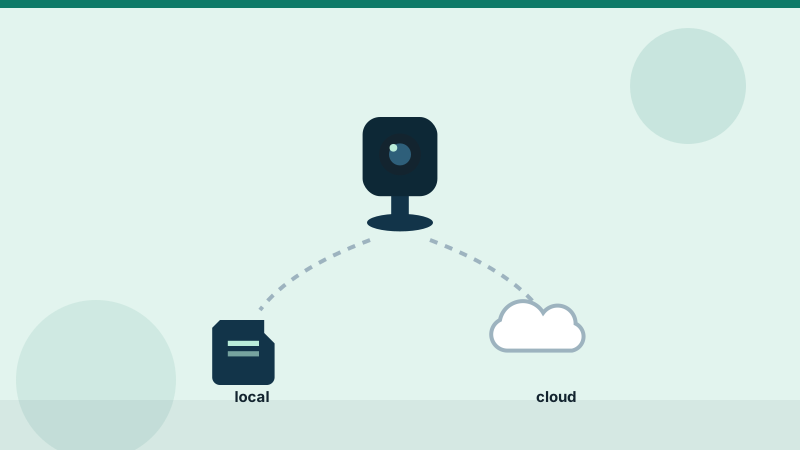
- Check the device works locally — if the app cannot reach it during an internet outage, neither can your automations
- Leave headroom on your router for the 2.4GHz band
Before you buy: check the manufacturer's compatibility list for your exact hub and device model — certification logos on the box are the reliable signal, marketing copy is not.
Editorial note. This guide is compiled from official product documentation and practical buying checklists, not hands-on testing. Verify specifications and current pricing with the manufacturer before you buy. See our affiliate disclosure for how we fund this work.